HLD004 - Identity Access Management
Introduction
Purpose
The purpose of this document is to present a high-level design for implementing and managing AWS Identity and Access Management (IAM) within our organization. The intended outcome is to ensure secure, efficient, and fine-grained access control to our AWS resources.
Changelog
Revision | Date | Description |
|---|---|---|
| 22.07.2024 | Initial document |
Related documents
Background
TMPL organization utilizes a variety of AWS services for different aspects of our operations. As the scale of operations grows and the number of personnel requiring access to these services increases, there's a need to establish a more comprehensive and secure access management system. AWS Identity and Access Management(IAM) is designed to help meet these requirements.
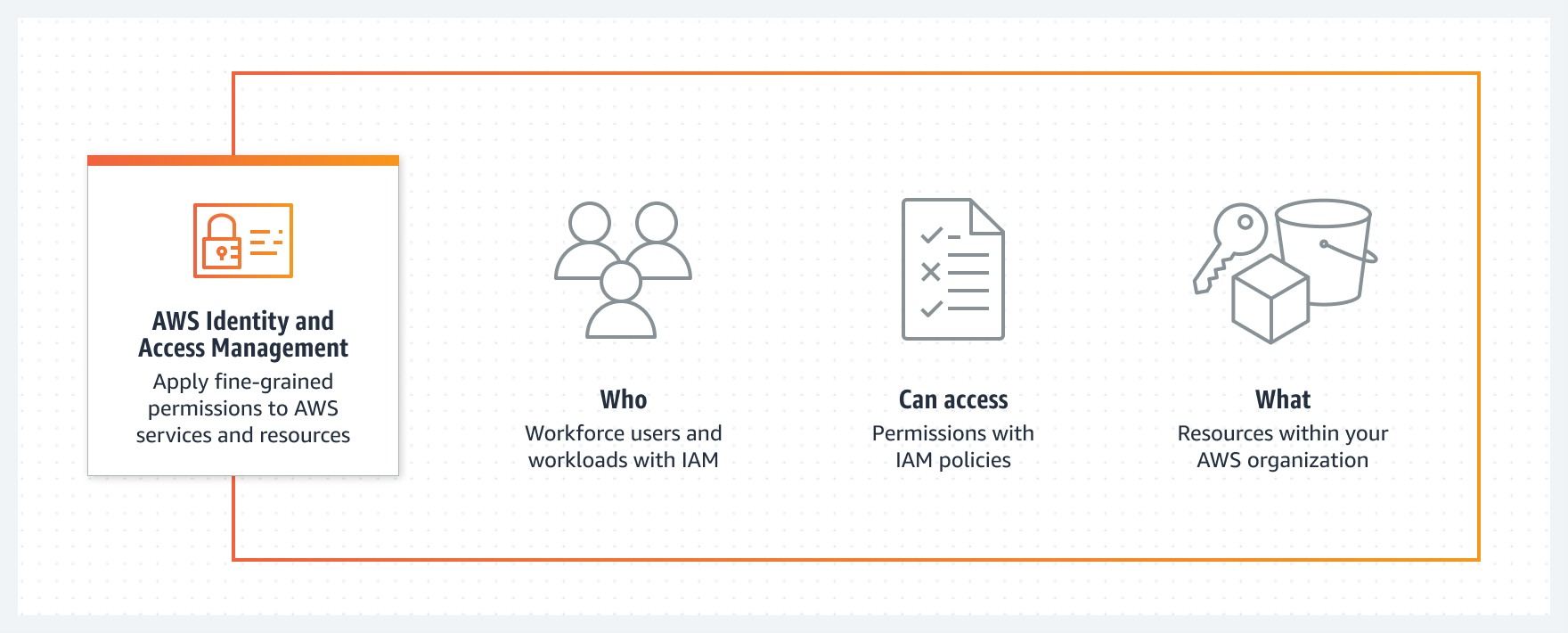
AWS Identity and Access Management (IAM) comprises several key elements:
Users: These are the individual identities that you create in AWS IAM to represent the person or service that uses them to interact with AWS. Users consist of a name and credentials which could be an access key ID/secret access key pair, or a username/password combination.
Groups: Groups are collections of IAM users. They allow you to specify permissions for multiple users, which can make it easier to manage the permissions for those users. For example, you could have a group called "Admins" and assign it the AdministratorAccess policy.
Roles: Roles are similar to users, in that they have policies attached to them that determine what the identity can and can't do in AWS. However, instead of being uniquely associated with one person, a role is intended to be assumable by anyone who needs it. Roles do not have standard long-term credentials(password or access keys) associated with them.
Policies: Policies are objects in AWS that, when associated with an identity or resource, define their permissions. AWS evaluates these policies when a principal, such as a user, makes a request. Permissions in the policies determine whether the request is allowed or denied.
Identity Federation: This allows you to grant external identities (users who are authenticated from a corporate directory, a web identity provider, etc.)permissions to AWS resources, without having to create an IAM user for them.
Multi-Factor Authentication (MFA): This is a simple best practice that adds an extra layer of protection on top of your user name and password combination.
Password Policies: These can be used to ensure the complexity and mandatory rotation of user passwords.
Implementation Details
Access Management Approaches
Access management is handled through two main approaches: Role-Based Access Control (RBAC) and Attribute-Based Access Control (ABAC).
Role-Based Access Control (RBAC)
This approach associates permissions with roles, which are then assigned to users. Permissions are determined by an individual's role within an organization. Distinct roles such as Admin, DevOps, Data Analysts, each carry a unique set of permissions. IAM users are assigned these roles based on job functions.
User Management: IAM users are created for each individual requiring access to the AWS account, effectively eliminating the need to share credentials among multiple users. Role (Group) Management: IAM users are associated with one or more IAM roles (implemented using IAM groups). Each role signifies a specific job function within the organization. Policy Management for RBAC: IAM policies are attached to roles to manage permissions. Both AWS Managed Policies and custom IAM policies are utilized based on the principle of least privilege.
Attribute-Based Access Control (ABAC)
This approach offers flexible access control decisions based on attributes of the user, the resource, environment conditions, and the action. ABAC provides more granularity and considers factors like the time of access, location of the user, or the sensitivity of the resource being accessed.
Policy Management for ABAC: Permissions are defined based on attributes with ABAC. These attributes can be linked with users, resources, or the context of a request. The IAM policies consider these attributes when defining permissions
Cross-Account Roles
Cross-account IAM roles provide a way to grant secure access to AWS resources across different AWS accounts. Instead of sharing resources or creating IAM users in each account, roles can be created in one AWS account and other accounts can be allowed to assume these roles.
For instance, a centralized security or audit account might need read-only access to all other accounts in an organization. Instead of creating individual IAM users in each account, a cross-account role can be created in each account, with the security account granted permissions to assume these roles.
When an IAM role is assumed from another account, AWS provides temporary security credentials that can be used to make AWS API requests. These temporary credentials are short-lived, reducing the risk associated with long-term credentials.
Cross-account roles improve security by reducing the number of permanently credentialed IAM users and help centralize access management. They also enable a single sign-on experience, allowing users to switch between accounts without needing to sign out and sign back in.
Azure AD Integration
Integrating AWS IAM with Azure Active Directory provides a way to unify identity management, enabling a single sign-on experience across AWS and other applications. The process involves setting up Azure AD as an identity provider (IdP) and defining IAM roles that can be assumed by federated users.
Federated access allows Azure AD users to access AWS resources without needing a dedicated IAM user account. Instead, credentials are issued dynamically upon request by the Azure AD IdP. This integration also benefits from Azure AD's existing setup, including group definitions and access policies, which can be leveraged within AWS.
Once Azure AD is set up as an IdP in AWS IAM, IAM roles can be associated with Azure AD groups. These IAM roles have policies that determine what actions federated users are able to perform in AWS. When an Azure AD user signs in to AWS, they assume one of these roles and receive temporary security credentials.
By incorporating Azure AD, the necessity for managing separate user identities in AWS is reduced, providing a more efficient and secure access management system.
Amazon Cognito Integration
Amazon Cognito plays a crucial role in managing user identities and providing data synchronization for any mobile application or web application connected with AWS services. It comes with two main components: User Pools and Identity Pools.
User Pools are user directories that provide sign-up and sign-in options for app users. They can be integrated with Identity Providers (IdPs) like Azure AD for a single sign-on (SSO) experience. User Pools handle tasks like password recovery, MFA, and user verification, thereby offloading these responsibilities from the application code.
Identity Pools enable developers to create unique identities for users and provide secure and temporary AWS credentials to access AWS services. They support anonymous guest users and can also provide direct access to AWS services from the client side.
Amazon Cognito’s features provide a secure and scalable user directory that offloads the complex tasks of handling user registration, login, and account recovery. This, combined with integration of federated identities, provides a comprehensive solution for managing user identities and access control in AWS.
Expected Outcomes
Secure Access Control: With the implementation of IAM, we can ensure secure access control to our AWS resources.
Principle of Least Privilege: By following the principle of least privilege, we ensure that personnel and services only have the necessary level of access, thereby reducing potential security risks.
Centralized User Management: Through identity federation, we can centralize user management and leverage existing user groups and policies.
Activity Monitoring and Auditing: With AWS CloudTrail, we can monitor and log all activities, thereby enabling easy auditing and tracking of all actions on the AWS account.