Access groups
Definition
A group is a set of rules that can be configured once and then quickly applied across many Access applications. You can select a group as a selector in any Zero Trust policy, and all the criteria from the selected group will apply to that application.
Create a group
To create and manage groups:
In Zero Trust, go to Access.
Open the Access Groups tab.
Select Add a Group.
Enter a name for the group.
Specify as many rules as needed to define your user group.
Select Save.
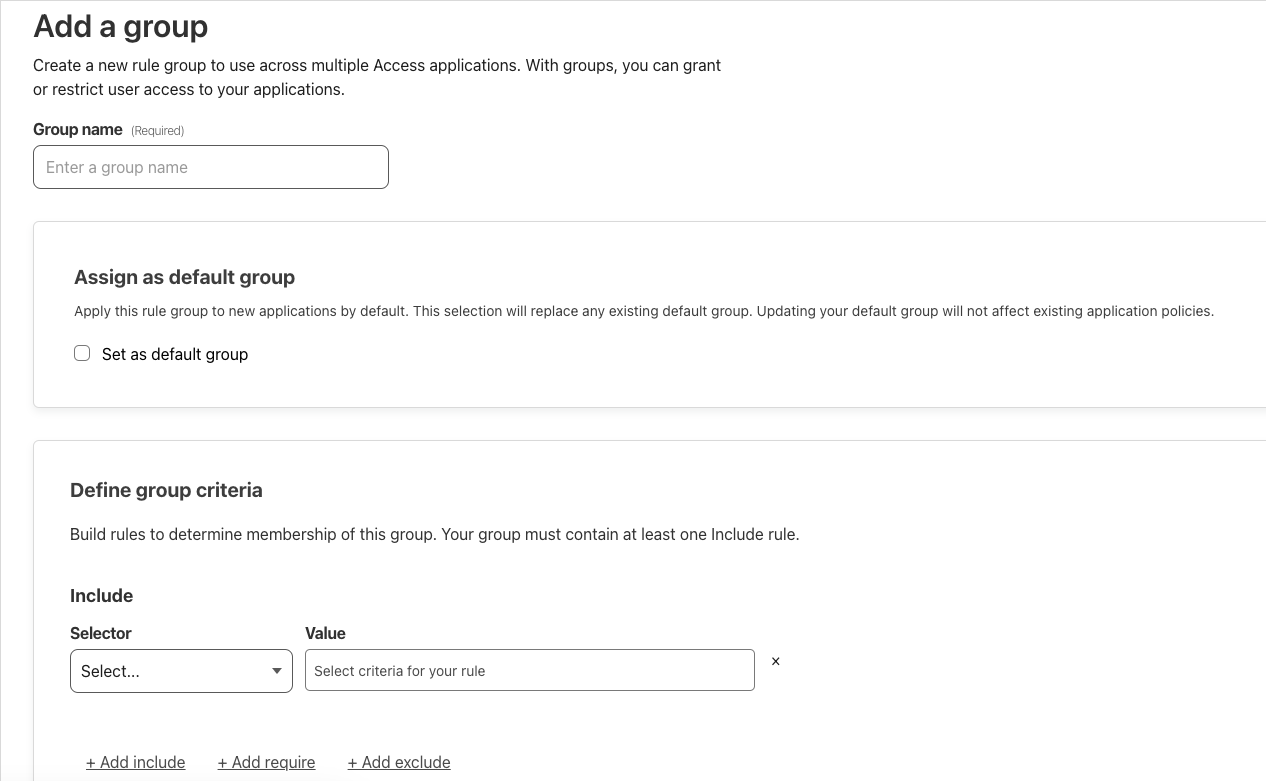
Group criteria
Group criteria determine whether or not a user is a member of a particular group. Since groups are simply a collection of Access rules, they use the same rule types and selectors shown in the Access policy builder.
Last modified: 17 February 2025